





How to Add an AI Chatbot to Your Website Without the Usual Complexity
 Mar 19,2026
  By TonePilotAI
The short version:
Installing an AI chatbot takes about five minutes and one snippet pasted before the closing body tag. Everything that decides whether it is any good happens in the two hours before that paste and the two weeks after it. Skip those and you get the result two thirds of businesses report.
Five minutes. That is roughly how long the installation takes on most platforms, and every guide on the first page of Google says so in its first paragraph. The number is honest and it is also the least useful fact about the project.
Elfsight, which sells one of these widgets, ran its own chatbot against 2,498 real support tickets and published what separated the good answers from the bad. The gap between a 5% error rate and a 95% useful rate came down to how deep the knowledge base went, and documentation written by people who had read hundreds of real tickets beat rephrased product pages. That is a vendor quietly admitting the widget is not the thing you are buying.
The field data agrees. A Netguru analysis, cited in Elfsight’s own guide, found 67% of businesses said their chatbot did not meet expectations, and nearly half said it failed to solve issues accurately or misread what people were asking. Nobody in that 67% got stuck on the snippet.
So here are seven steps in the order they should happen. The embed is step five and it is the shortest thing on the list.
1. Check whether you have anything to answer with
A chatbot that reads your website can only be as good as the website. If your pages describe what you sell but never state your delivery window, your coverage area, your onboarding sequence or what happens when something goes wrong, the bot will deflect on exactly the questions that matter. Common Ninja puts it plainly in its own guide: if the site is thin, the bot will deflect rather than help.
Pull your last fifty enquiries from email and your contact form, and sort them by topic. For each recurring topic, open the page that should answer it and check whether the answer is genuinely there in words a stranger would find, rather than implied by a heading or buried in a PDF. Anything that fails that test is a content job, not a chatbot job.
This is also the point to sanity check the decision. If most of your enquiries need a person to negotiate, quote from scratch or handle something emotional, that is a staffing question rather than a software one, and it is worth reading whether a chatbot or live chat fits your situation first. Gartner data quoted in the same Elfsight guide shows resolution rates around 17% for billing disputes against 58% for returns and cancellations, so the topic sets the ceiling rather than the tool.
2. Write the twenty answers your site is missing
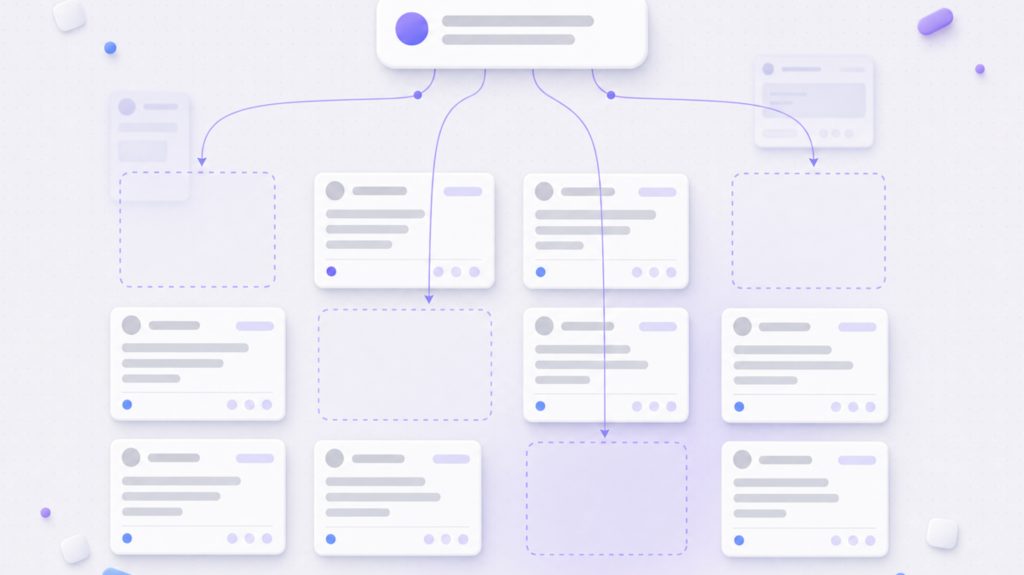
Take the gaps from step one and write them properly, on real pages, in the language your visitors use. This is the hour that changes the outcome most, and it is the step the five-minute guides never mention because it cannot be done inside their product. The list is usually shorter than people expect, and it usually looks like this:
- Pricing logic, or if you do not publish figures, exactly what determines them and what a buyer needs to prepare
- Scope boundaries, meaning what you do, what you do not do, and where the edge cases fall
- Timelines from first contact to delivery, with the steps in between named
- What happens when something goes wrong, including who the visitor talks to and how fast
- The three objections your sales conversations always end up handling
Write these as ordinary page content rather than bot scripts. They improve the pages for readers and for search at the same time, and the chatbot picks them up on the next crawl for free.
3. Connect the site and let it read your pages
This is where the technology does its part. The system crawls your sitemap, splits each page into passages and stores them so it can retrieve the relevant few when somebody asks, which is roughly how the answer layer works once running. Ingestion is a crawl plus a scheduled job rather than a live mirror, so a page published this afternoon becomes answerable after the next run rather than the same second.
Two things are worth watching. Check that the crawl reached your important pages rather than stopping at a navigation depth, and check that anything you do not want quoted, such as old landing pages or internal documents, is excluded before launch rather than after somebody finds it.
4. Set the boundaries and the escalation path
Decide what the bot is allowed to talk about and what it must hand over. A tightly scoped assistant that answers eight topics well beats a general one that attempts everything and gets a quarter of it wrong, and QuickBlox makes the same point in its integration guide by warning that an assistant deployed without clear workflow boundaries behaves unpredictably.
The handover matters as much as the answers. QuickBlox’s guidance is that a good escalation passes the full conversation history, whatever data was collected and a short summary of where things stand, rather than dumping a raw transcript on whoever picks it up. Decide now whether escalation means an email, a form or a calendar link, and make sure the visitor is told which one is coming.

One compliance item belongs here too. Elfsight’s guide notes that the EU AI Act requires chatbots to be clearly identified as AI from August 2026, so if you serve European visitors the assistant should say what it is in its opening message rather than imply a person is typing.
5. Paste the snippet
This is the famous five minutes. You copy one script tag, paste it before the closing body tag or into a header and footer plugin, save, and reload the site. On WordPress, Shopify, Webflow, Wix and Squarespace the mechanics differ slightly but the shape is identical, and none of them need a developer. Here is where the time in this project genuinely goes:
| Step | Realistic time | What decides the outcome |
|---|---|---|
| Content audit | 1 to 2 hours | How honestly you sort the fifty enquiries |
| Writing the missing answers | 2 to 6 hours | Whether they are written for readers or for the bot |
| Connect and crawl | Around 10 minutes | Crawl depth and exclusions |
| Boundaries and escalation | 30 minutes | How narrow you are willing to be |
| Paste the snippet | 5 minutes | Nothing |
| Testing before launch | 1 hour | Whether the questions are real |
| Transcript review | 15 minutes a day for two weeks | Whether anyone actually reads them |
Ranges assume a small business site of roughly 20 to 60 pages and one person doing the work. The gradient rows are the two that most often decide whether the project succeeds.
6. Test with real questions, not invented ones
Manufactured test questions are polite, well spelled and structured like a search query, and they tell you almost nothing. Elfsight’s pre-launch advice is to test with ten to fifteen real questions pulled from existing support emails and contact form submissions, which surfaces the phrasing, the typos and the compound questions that break a thin knowledge base. Score each one on three things rather than on gut feel:
- Did it answer, deflect, or invent something
- Did it cite or paraphrase the right page
- Would you be comfortable if a prospect had received that answer unsupervised
Anything that fails goes back to step two as a content fix rather than a prompt fix. Rewriting the instructions to paper over a missing page produces an assistant that sounds confident about things your site never said.
7. Read the transcripts for two weeks
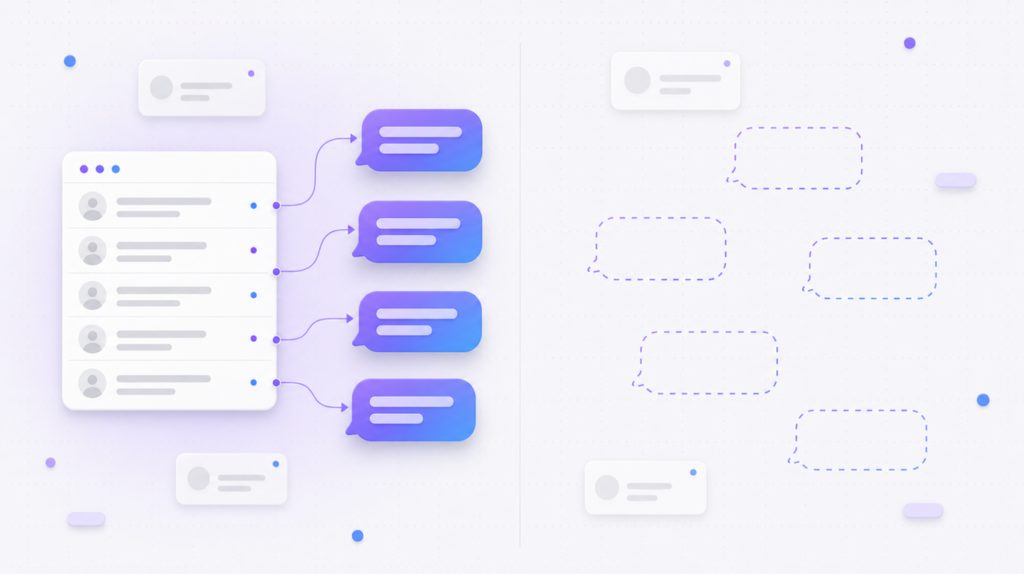
The transcripts are the actual deliverable and almost nobody treats them that way. Elfsight recommends reviewing them daily in the first week and weekly through the first month, a small enough commitment that the risk is forgetting rather than effort.
You are reading for three patterns. Questions asked repeatedly that the site answers badly are a rewrite queue in priority order, and questions asked repeatedly that the site does not answer at all are your next articles, already validated by demand. Conversations that ended without a next step are a prompt for a better handover, and getting that right is most of turning those conversations into leads rather than pleasant dead ends.
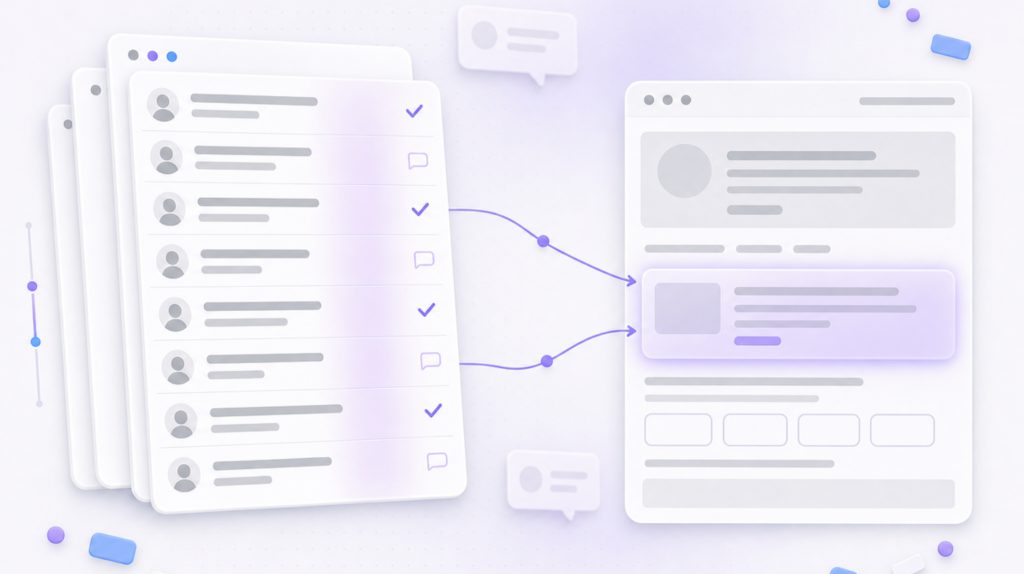
After a fortnight of this you will know more about what your visitors want than any analytics dashboard has told you, because the log is written in their words rather than in page paths. That loop is the reason a conversation layer is worth having, and it is worth being clear about what it can and cannot fix before you judge the results.
What this actually costs you
Not money in this framing, but attention. Roughly one working day of content work across steps one and two, one hour of setup across steps three to five, and fifteen minutes a day for a fortnight after launch. Set against a 67% disappointment rate among businesses that skipped all of it, that is a reasonable trade.
The install really does take five minutes, and anyone telling you otherwise is selling something complicated. The rest of it is the part that decides whether the five minutes were worth spending. If you want a plan, a timeline and a quote for doing this properly on your site, email hello@tonepilotai.com with your domain and a rough sense of what your pages already cover.
FAQ
Do I need a developer to add a chatbot to my website?
Not for the installation, which is one script tag pasted into a header and footer plugin. You will want somebody who can write clearly for step two, because the content gaps decide whether the answers are any good, and that is an editorial skill rather than a technical one. Most sites already have that person and have not asked them.
How long before the chatbot is actually useful?
Same day if your pages already cover the common questions. If they do not, plan on a week, since the bottleneck is writing rather than software.
What happens when the chatbot does not know the answer?
It should say so and hand over instead of guessing. Decide before launch whether that means an email, a form or a booking link, and send the conversation history with it so the visitor does not start again from scratch.
Will adding a chatbot slow my site down?
A well built widget loads after the page and does not block rendering. Check your Core Web Vitals a week after launch anyway.